
01
Pauses, gone
Dead air and repeated lines are cut out, so your reel moves at the pace of a scroll.
A skill for Claude Code · by Flora Corsaro
Film yourself talking. Say one sentence to Claude. Get back a cinematic reel with captions, titles behind you, subtle zooms and balanced sound, without opening a traditional video editor.
Launch price €29 for the first 30 copies, then €39. One-time purchase, no subscription.
Bonus: live setup masterclass with Flora on Google Meet, Monday 30 November, 6 PM Italy / 9 PM Dubai.
Before & after
Raw phone footage on the left, the finished reel on the right.
Drag the line to compare
What it does
You should be creating, not stuck in the timeline. Every clip below was rendered by the engine itself, the same one that edits your video. No mock-ups.
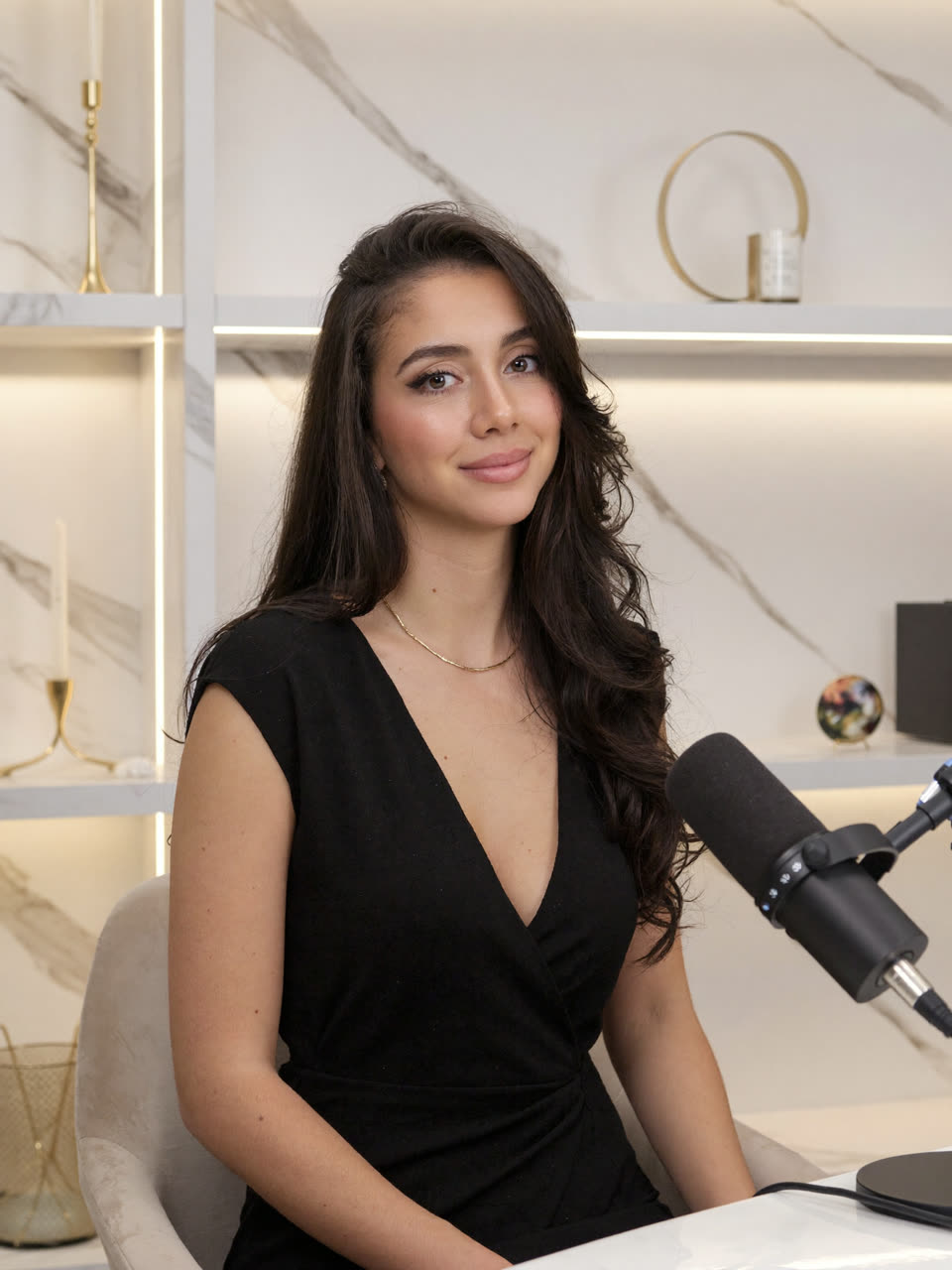
Previews feature an AI-generated model, not a real person. On your video, the person is you.
01
Dead air and repeated lines are cut out, so your reel moves at the pace of a scroll.
02
Word-by-word captions with highlighted keywords, in English, Italian, or both mixed, exactly as you speak.
03
Titles, numbers and images that slip behind you, the look that makes a reel feel produced.
04
Subtle zooms, clean transitions, animated cards and lists. Placed away from your face.
05
Original sound effects and volume levelled for social platforms, with your own music under your voice if you want it.
06
Save your colours, captions and rhythm as your profile. Need an effect that isn't in the catalog? Claude creates a personal one, just for you.
How it works
It runs inside Claude Code, and the editing happens on your own computer. Your video file is not uploaded.
Drag the file into Claude Code and ask it to install the skill. A guided setup prepares everything, about 1.4 GB, with clear progress. If it stops, it picks up where it left off.
Point Claude to your vertical video and say what you want.
“Edit this reel.”
You get an MP4 ready for Instagram, TikTok and Shorts. Want the title gold, the captions bigger? Just say it. Every version is kept.
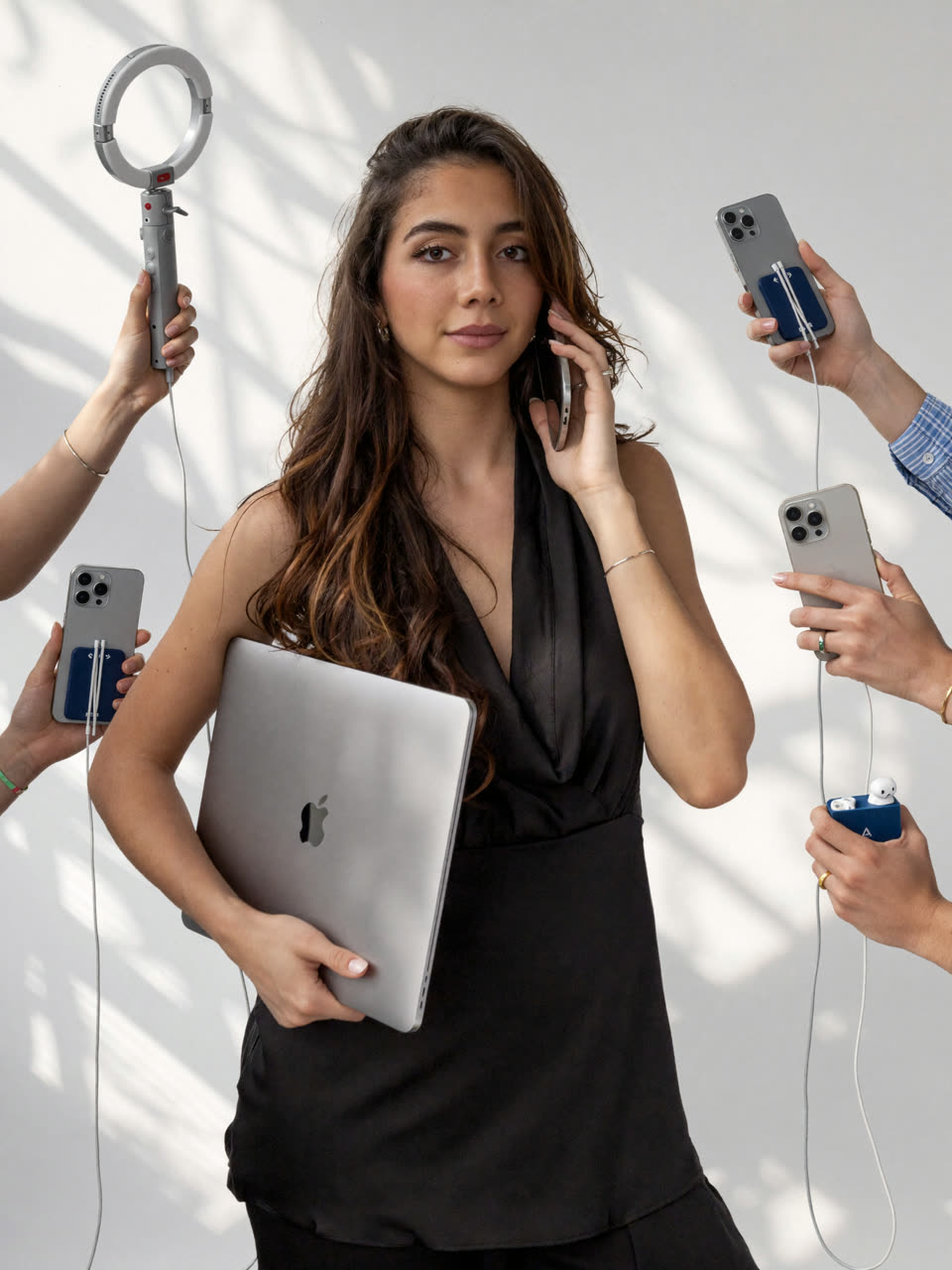
One sentence to Claude. The edit happens while you get on with your day.
Mode 1
Drop in a video and Claude chooses cuts, captions and graphics for you, based on what you say and how you're framed.
Mode 2
Browse the catalog of 64 styles, pick the ones you love and paste the prompt with your video.
Mode 3
Show Claude a reel you love. It reads its colours, rhythm and text placement, and edits yours in that spirit.
Most AI edits look the same. Yours won't, because you decide the style.
From the creator
“I built the editor I wished I had when I was starting from zero.”
From Sicily to Dubai, from cabin crew to creator, I learned that a reel is judged in the first three seconds, and that polish is what separates a hobby from a career.
Edit Video Studio packs the way I edit into a tool you can use today, even if you've never opened an editing app.
Follow @floracorsaro on Instagram
Before you buy
Please check these first: the skill runs on your own computer, and these are the setups it supports.
No. You talk to Claude in plain words: “edit this video”, “make the captions bigger”, “cut the pauses shorter”. The skill does the editing.
No. Edit Video Studio is a skill that runs inside Claude Code, so you need your own Claude account with access to Claude Code. The skill itself is a one-time purchase.
Your video file is not uploaded: transcription, cut-out and export all run on your computer. To make its choices, Claude reads the transcript and a few still frames of your video, like anything else you share in a Claude chat.
It depends on your computer and the styles you pick. Titles behind you need the person cut out frame by frame, which takes longer, especially on Windows, where it runs on the processor only.
English and Italian, including videos where you switch between the two. Captions stay in the language you speak. Translation is available when you ask for it.
You share a video whose edit you love, one you have the right to use. Claude reads its look, colours, rhythm and text placement, and edits your reel in that spirit. It's inspiration, not a copy: only these settings are kept, never the video itself.
Yes, on Windows 10 or 11, 64-bit, with an Intel or AMD processor. Windows on ARM (for example Snapdragon laptops) is not supported. On a Mac you need Apple silicon.
You pay securely with Ziina and receive Edit Video Studio by email, with the installation guide.
Yes. Buy before it starts and you're invited to the live setup masterclass with Flora on Google Meet: Monday 30 November, 6 PM Italy / 9 PM Dubai. The Google Meet link arrives by email shortly before the session. It's live only: there is no recording, so save the date.
No. You pay once and keep it. The launch price is €29 for the first 30 copies, then €39.
It does a lot, but always watch and listen before you post. Transcription can get a name wrong, and you can ask Claude to fix it, move a title or change a style in seconds.
Live masterclass · Monday 30 November · 6 PM Italy / 9 PM Dubai
You already have the phone and the ideas. Now edit like you have a studio.
One-time purchase. No subscription. Yours to keep.
Secure payment by Ziina.